
Image & Hero Component Demo
Drop-in components with focal points, captions, responsive srcset, and automatic optimization.
Hero Component (Split Layout)
Split-layout hero with image on one side and content panel on the other. Like the original HeroTitle component.
Image Left (50%), Content Right
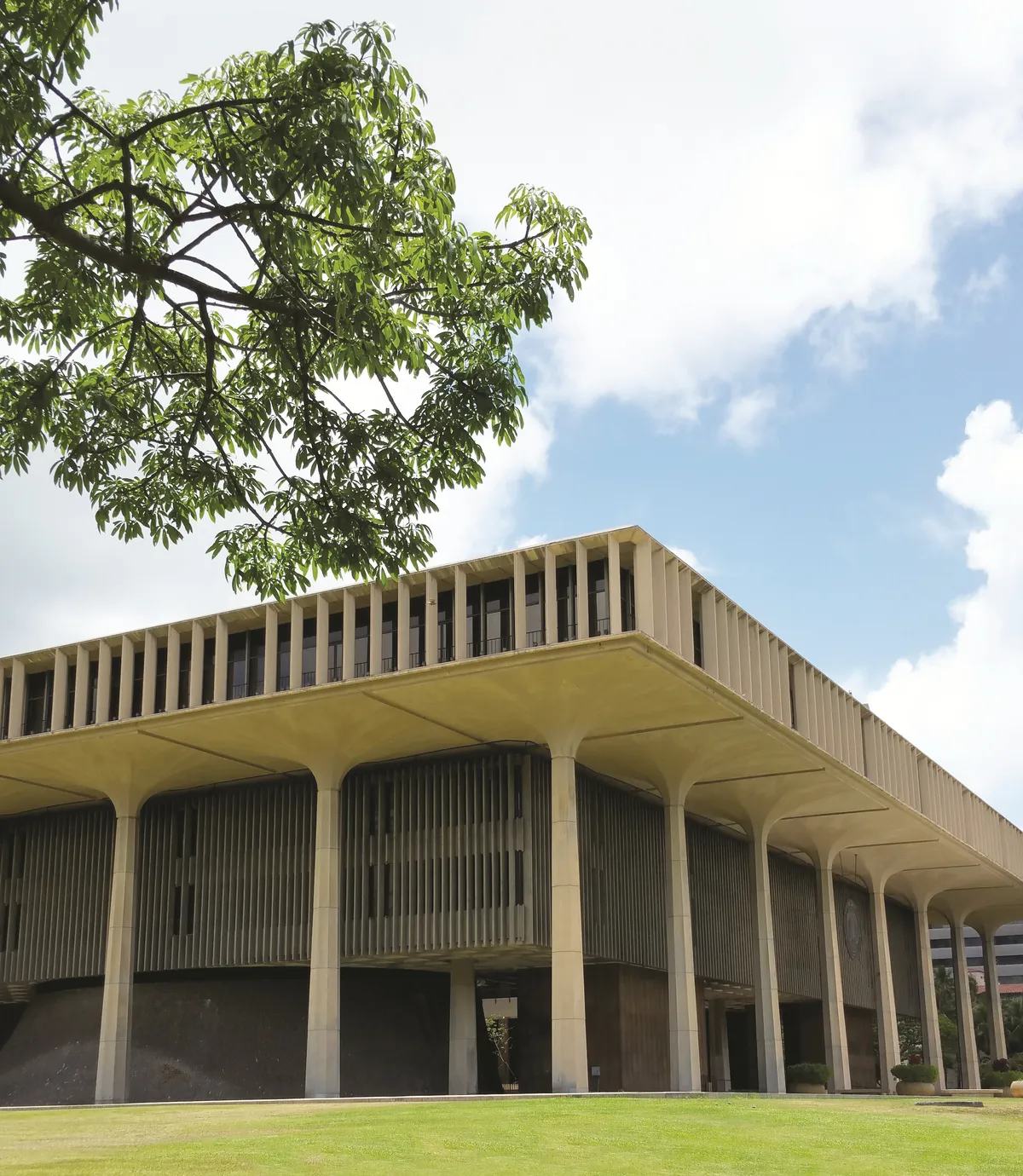
Image Right (60%), Content Left

Professional Development
Advance your career with our courses
Narrow Image (40%), Top Aligned Content
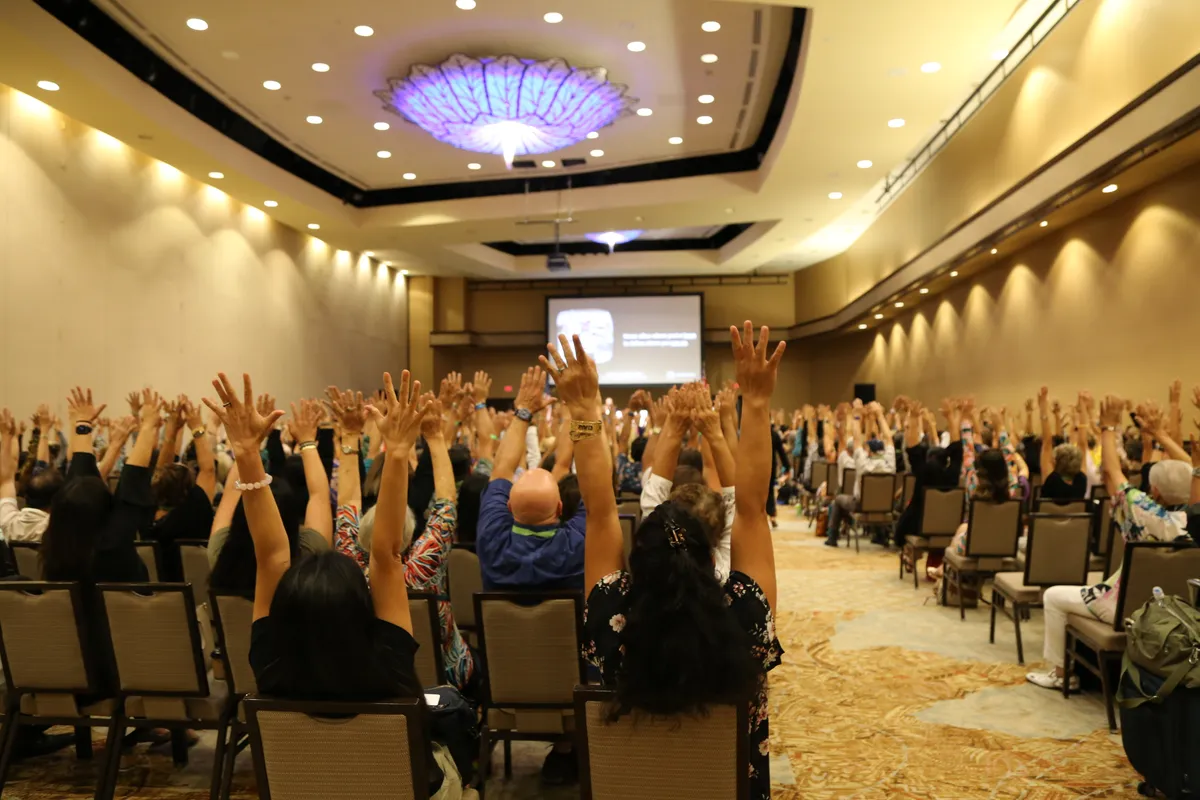
About Us
Learn about our mission and values
<Hero
    src="/images/hero.jpg"
    height="400"
    focalY=30
    imageWidth="50%"
    imagePosition="left"
    contentBg="#1a365d"
    contentY="middle"
    contentPadding="3rem"
>
    <h2>Your Title</h2>
    <p>Your content here</p>
</Hero>
Responsive Width (srcset)
Use displayWidth with percentage values. The browser downloads the optimal image size from the generated srcset.
50% width with srcset
<Image
    src="/images/photo.jpg"
    alt="Photo"
    displayWidth="50%"
    maxWidth=1200
/>
100% width (full container)
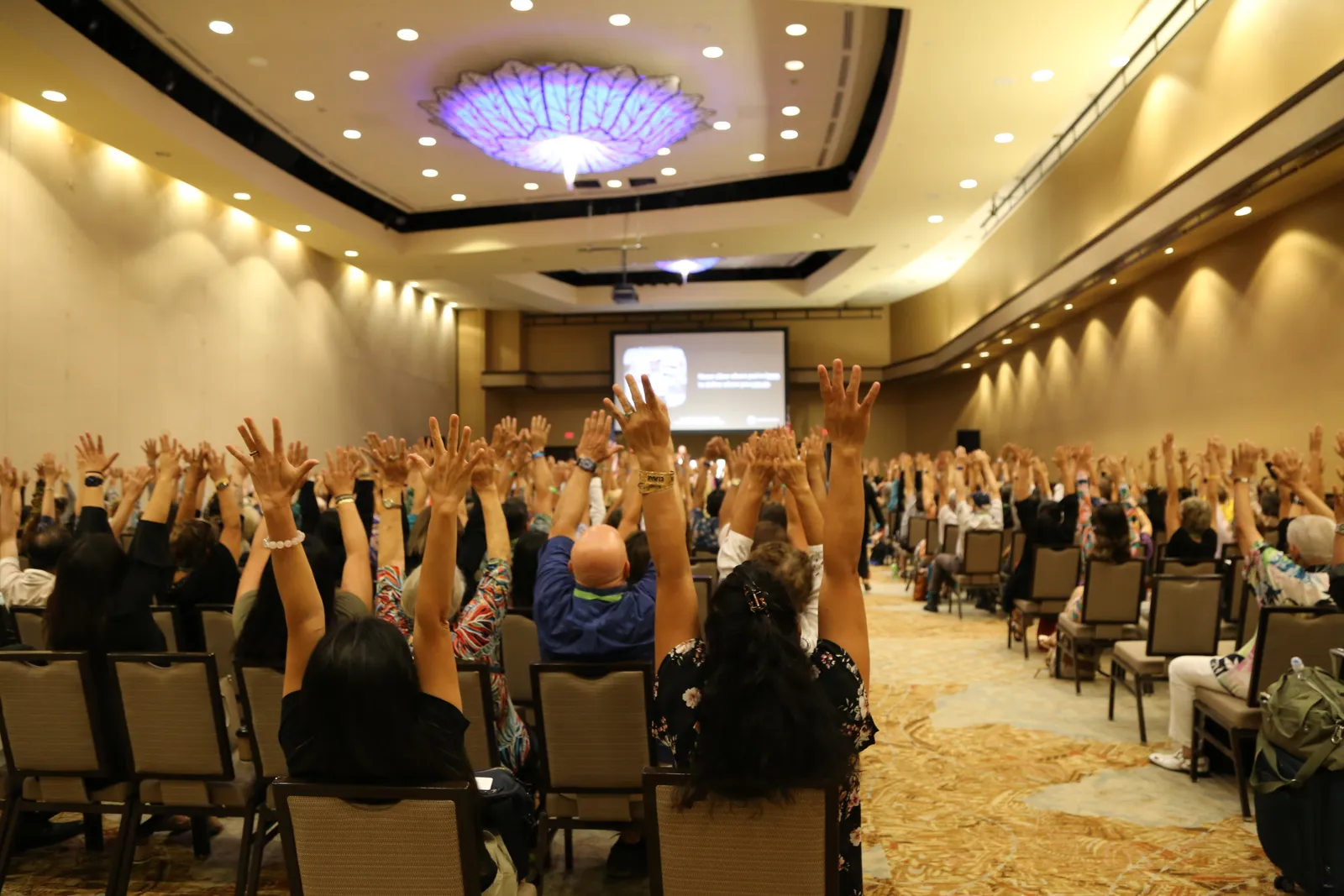
<Image
    src="/images/photo.jpg"
    alt="Photo"
    displayWidth="100%"
/>
Fixed Dimensions with Focal Point
Use both displayWidth and displayHeight for cropping with focal point control.
300px × 150px, focal bottom
300px × 150px, focal top
<Image
    src="/images/photo.jpg"
    alt="Photo"
    displayWidth="300px"
    displayHeight="150px"
    focalY=100
    fit="cover"
/>
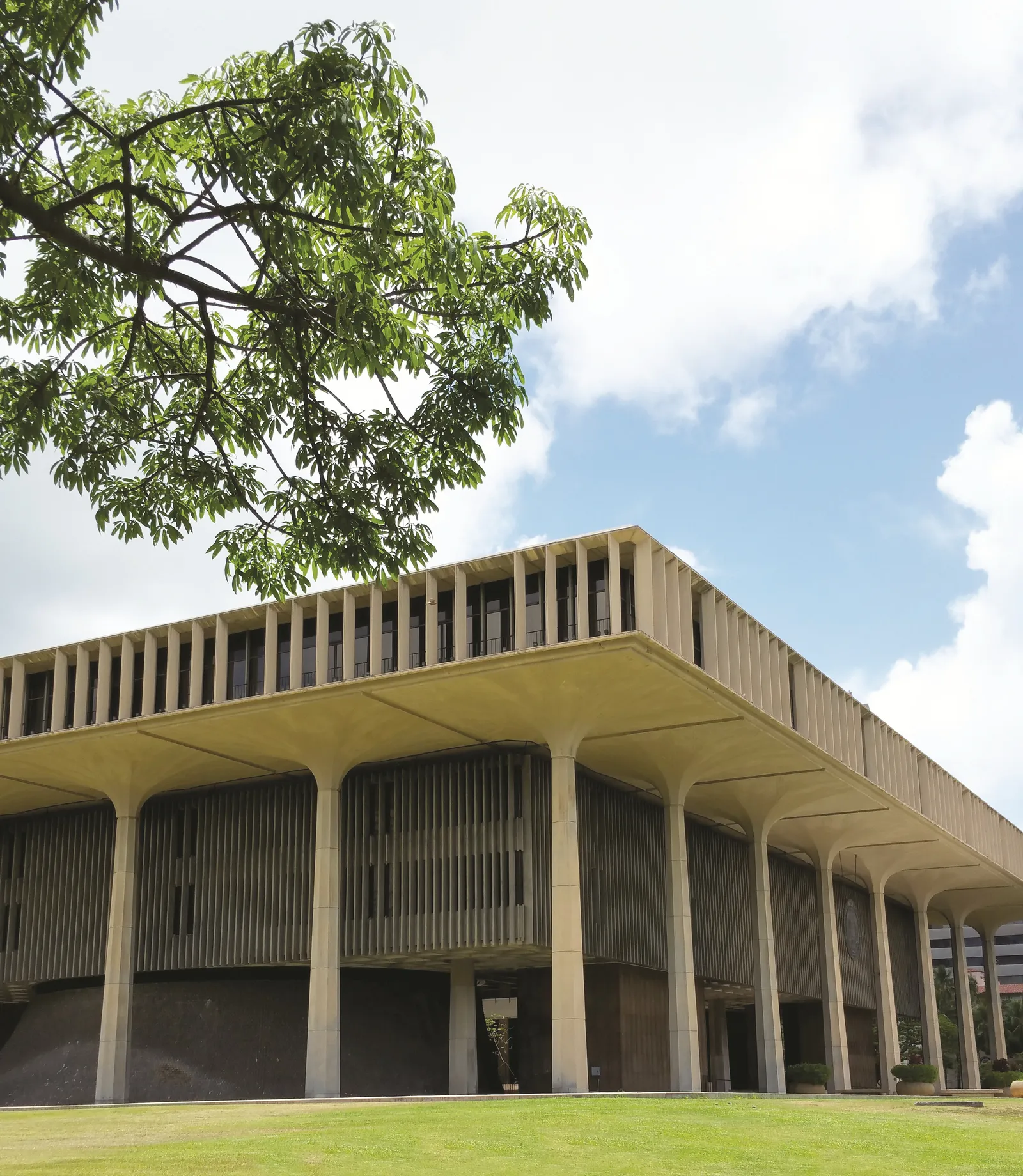
Aspect Ratio Cropping
Use aspectRatio to maintain consistent proportions across all srcset sizes.
16:9 aspect ratio
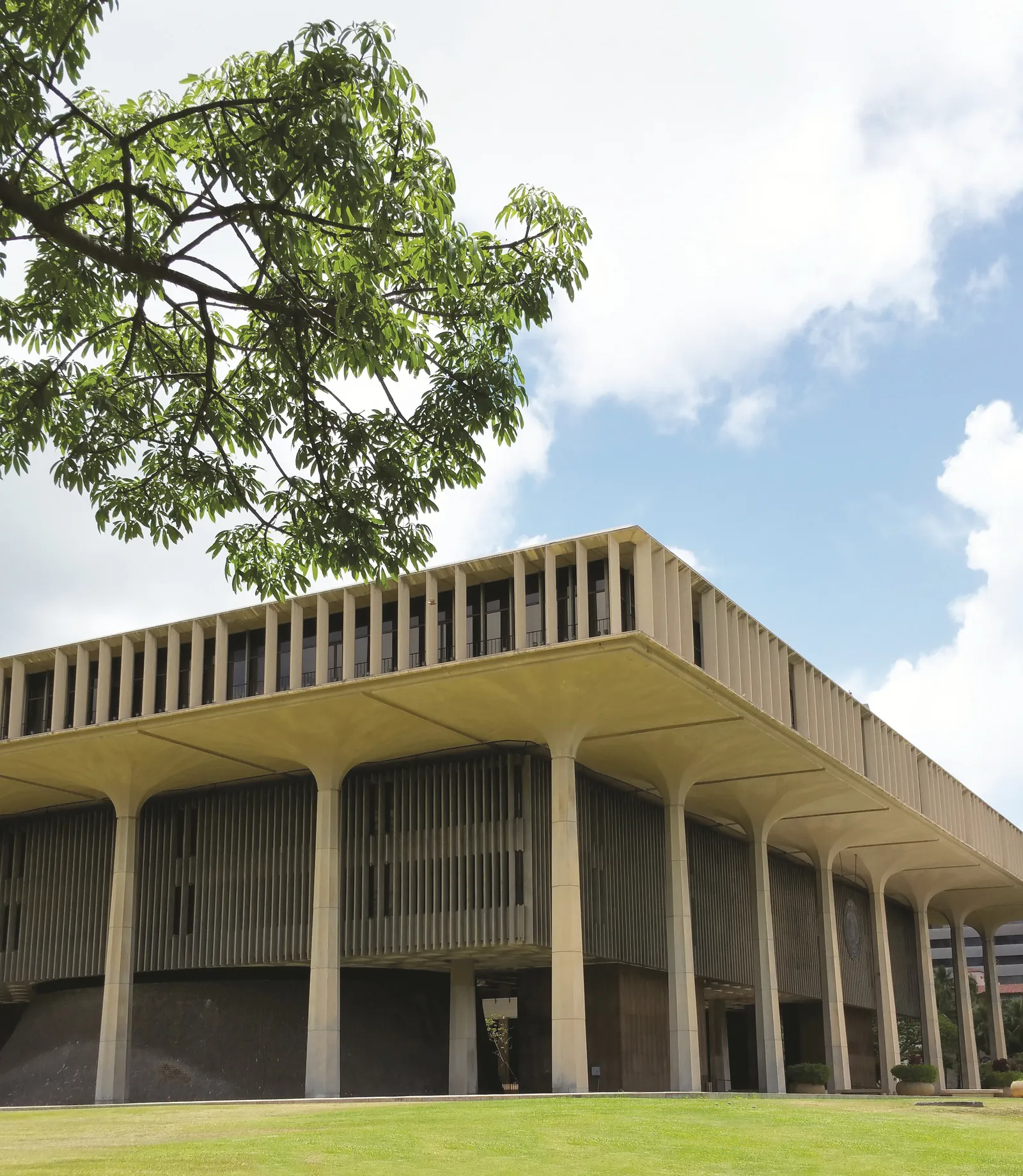
1:1 (square)
<Image
    src="/images/photo.jpg"
    alt="Photo"
    displayWidth="100%"
    aspectRatio="16/9"
/>
Focal Points
Control where the image focuses when cropped. Values are 0-100 for X and Y. Requires both displayWidth AND displayHeight.
Top Left (focalX=0, focalY=0)
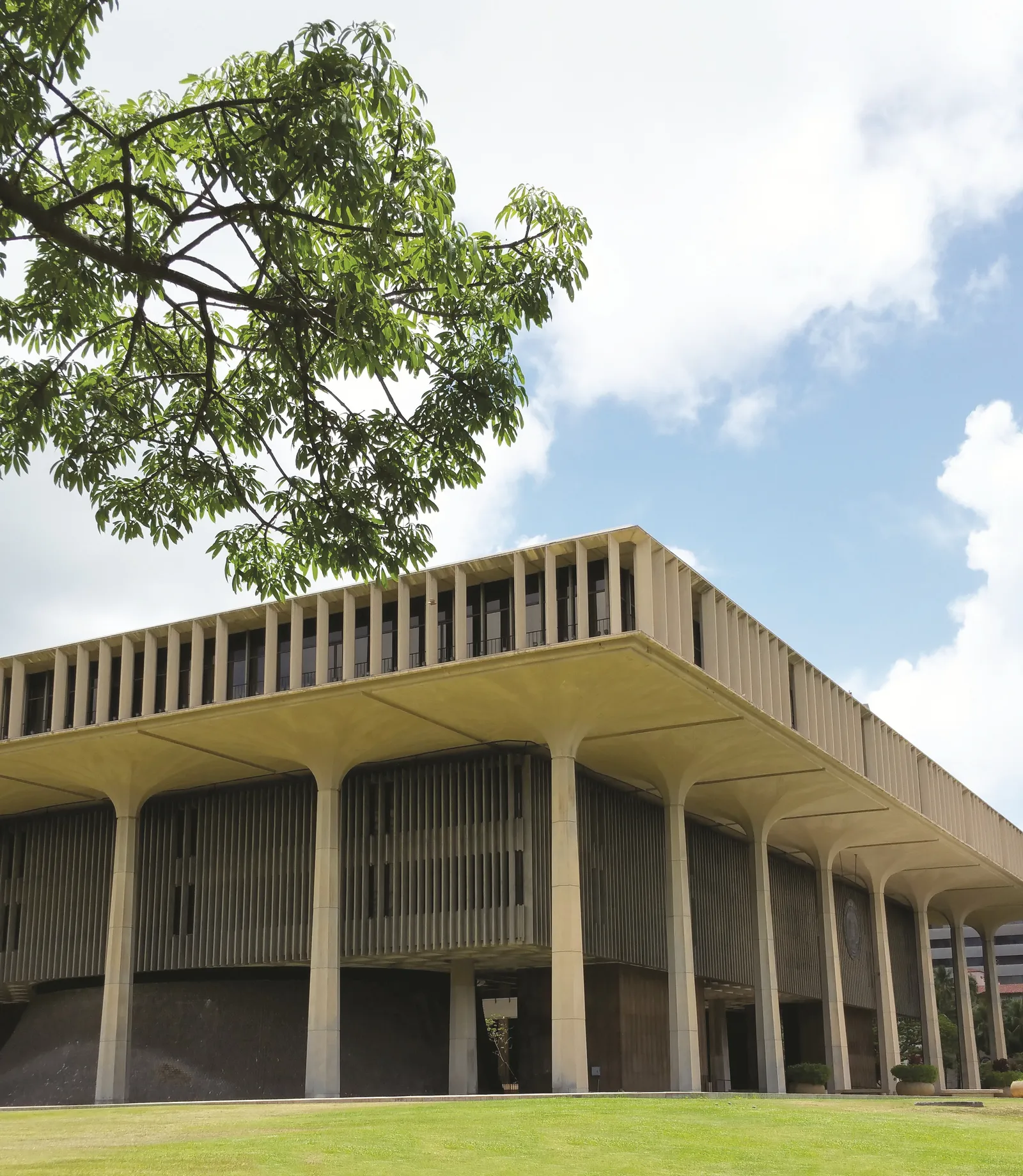
Center (default: focalX=50, focalY=50)
Bottom Right (focalX=100, focalY=100)
<Image
    src="/images/photo.jpg"
    alt="Photo"
    displayWidth="300px"
    displayHeight="150px"
    focalX=0
    focalY=0
    fit="cover"
/>
Captions
Overlay Caption (default)

<Image
    src="/images/photo.jpg"
    alt="Photo"
    displayWidth="400"
    caption="Your caption here"
    captionPosition="overlay"
/>
Caption Below

<Image
    src="/images/photo.jpg"
    alt="Photo"
    displayWidth="400"
    caption="Figure 1: Description"
    captionPosition="below"
    captionBg="#f0f0f0"
    captionColor="#333"
/>
Custom Caption Styling
Red Theme
Blue Theme
Light Theme (Below)
Object Fit Options
Different ways the image can fit within the specified dimensions.
cover (default)

Fills the box, cropping as needed
contain
Fits entirely within the box
fill
Stretches to fill (may distort)
All Props Reference
| Prop | Type | Default | Description |
|---|---|---|---|
src | string | required | Image URL or path |
alt | string | required | Alt text for accessibility |
displayWidth | string | number | - | CSS width (e.g., "50%", "300px", or 300) |
displayHeight | string | number | - | CSS height (e.g., "200px" or 200). Required for focal point. |
maxWidth | number | 1600 | Max width for srcset generation (px) |
aspectRatio | string | - | Aspect ratio for cropping (e.g., "16/9") |
sizes | string | auto | Responsive sizes hint (e.g., "(max-width: 768px) 100vw, 50vw") |
focalX | number | 50 | Focal point X position (0-100) |
focalY | number | 50 | Focal point Y position (0-100) |
caption | string | - | Caption text |
captionPosition | "overlay" | "below" | "overlay" | Where to display the caption |
captionBg | string | rgba(0,0,0,0.7) | Caption background color |
captionColor | string | #ffffff | Caption text color |
fit | string | "cover" | CSS object-fit value |
quality | number | 80 | Image quality (1-100) |
loading | "lazy" | "eager" | "lazy" | Loading strategy |
class | string | - | Additional CSS classes |